

How to Use CapCut for Engaging Drumming Content
Practical Tips not to Get Tired while Drumming
Intro
As drummers, we know that grooves and fills can say a lot on their own, but when it comes to building an audience online, adding voice to your videos makes a huge difference. Whether you’re breaking down a tricky linear phrase for students, sharing a groove idea on TikTok, or announcing an upcoming gig, narration helps capture attention and keeps viewers engaged.
CapCut Desktop Video Editor makes this simple with its Text to Speech AI. Instead of investing in microphones or hiring a voice actor, you can instantly turn your script into a natural-sounding voiceover. It gives your drumming content a polished, professional feel, without extra cost or setup.


Why Use Text-to-Speech for Social Media Videos?
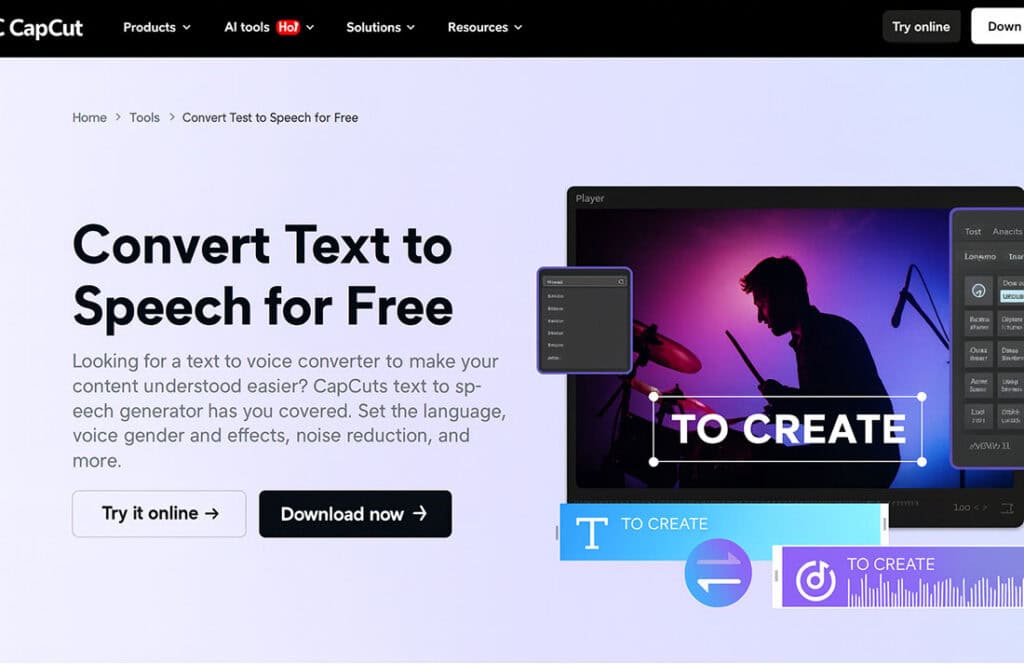
Table of Contents
ToggleDrumming clips can be powerful on their own, but pairing them with narration takes them to another level:
- Boosts retention – Platforms like TikTok, Instagram Reels, and YouTube Shorts thrive on storytelling. Adding a quick voiceover to explain your groove or fill helps people stick around longer.
- Accessibility – Not everyone learns visually. A narrated breakdown makes your content easier to follow for drummers who prefer audio guidance or those with vision impairments.
- Brand identity – Consistent narration across your lessons, playthroughs, or gig promos builds recognition and trust with your audience.
The AI Voice Generator in CapCut lets you add clarity and personality to your videos, matching your brand and your style.
Key Benefits of CapCut’s Text-to-Speech
- Multiple voice styles and tones – Pick different intonations, genders, and moods. Use a relaxed tone for a casual Instagram clip or a clear, serious voice for a drum lesson.
- Time-saving automation – No mic setup, no re-recording. Just type your script and convert it to narration in seconds.
- Professional quality – Natural-sounding voiceovers that give your drumming videos a smooth, polished finish.
- Seamless editing – Since Text-to-Speech is built into CapCut, you don’t need extra tools — everything stays in one workflow.
- Cost-effective – Perfect for drummers on a budget. No need to hire voiceover talent for short social clips.
- Accessibility – Voice narration makes your content usable for a wider audience, including drummers who prefer listening instead of reading subtitles.
- Consistent branding – A unified voice across your videos strengthens your channel’s identity.

Claim Your FREE 7-Day Trial
Unlock the tools and resources to make consistent progress in your own development as a drummer with The Drum Ninja Online Drum School platform today - click the button below to get started for FREE now.
How to Use CapCut’s Text-to-Speech Feature
Step 1: Import Your Video

Open CapCut Desktop and click on the Import option from the media library. Choose your drumming clip — whether it’s a groove demo, fill breakdown, or gig highlight — and drag it onto the timeline.
Step 2: Add Your Text Script

From the top menu, select Text → Add Text. Type or paste the script you want to convert. This could be “This is a four-note linear phrase starting with the kick” or “Here’s a groove to practice at 90 BPM.”
Step 3: Apply Text-to-Speech

On the timeline, select the text layer. Right-click and choose Text to Speech. A new window will appear with different AI-generated voice options.
Step 4: Choose Voice Style

Preview the different voice samples and pick the one that matches your video — energetic for a quick lick, or professional for a lesson. Click Generate to create the narration.
Step 5: Sync and Export

Move the generated voiceover to line up with your drumming clips. Adjust timing if needed, then click Export in the top right corner. Your video is ready to upload straight to your platform of choice.
Enhancing Videos with AI-Powered Tools
CapCut Desktop isn’t just about Text-to-Speech. Tools like the AI Video Upscaler can turn a low-quality rehearsal clip into sharp, pro-looking content. Combine that with narration, editing, and transitions, and even a simple practice video can look like a polished lesson or performance.
Final Thoughts
CapCut’s Text-to-Speech AI is a game-changer for drummers who want to create engaging, professional content quickly and affordably. By turning written scripts into natural voiceovers, you can share clearer lessons, keep your audience hooked, and make your videos stand out in crowded feeds.
Pair it with CapCut’s editing features and other AI tools, and your drumming content won’t just be heard, it’ll be remembered.